Most lab owners find out their numbers are off after the month is already over.
Everything on one screen
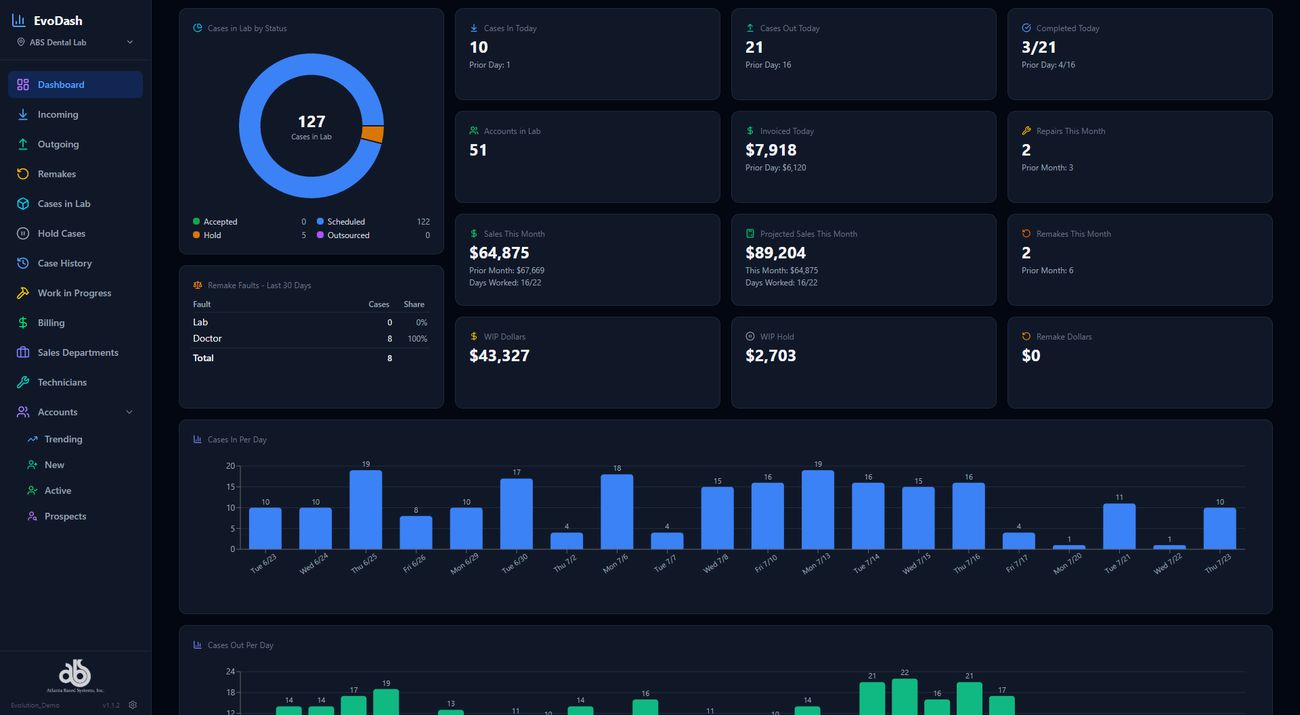
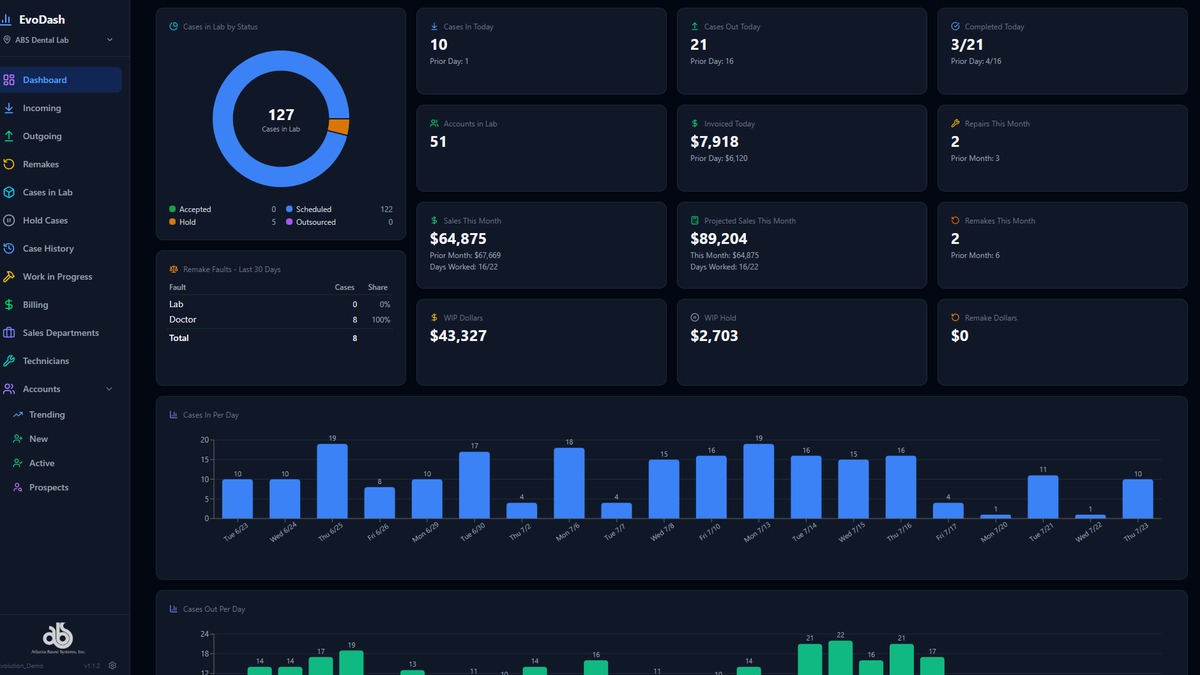
A dashboard is only useful if it answers the question you actually have at 7am on a Tuesday: where do things stand right now? EvoDASH’s new homescreen is built around that question. Case status is a single donut chart — scheduled, on hold, outsourced, accepted — next to a running count of total cases in the lab. Below it, a KPI grid covers what used to take a handful of separate reports to piece together: cases in and out today versus yesterday, what’s been completed, how many accounts are active in the lab, what’s been invoiced, WIP dollars, and sales this month against a live projected-sales figure that adjusts for how many working days are left. You don’t build that report. It’s just there when you open the screen.
Built to show what matters to your lab
The two screenshots in this post are a sample, not the whole picture. The homescreen is built with a much larger library of widgets than what’s shown here, and which ones show up front and center is customizable lab by lab. A lab focused on collections might lead with billing and AR widgets; a lab focused on production might lead with case flow and technician output. Same homescreen, different priorities on top.
Remake accountability and account health
The part that usually gets missed in a dashboard demo is remake tracking, and it’s built in as its own widget: remake faults over the last 30 days, broken out by whether the fault sat with the lab or with the doctor. That distinction matters more than the raw remake count. A lab running near-zero internal-fault remakes has a very different conversation with a doctor account than one that doesn’t know where its remakes are coming from at all.
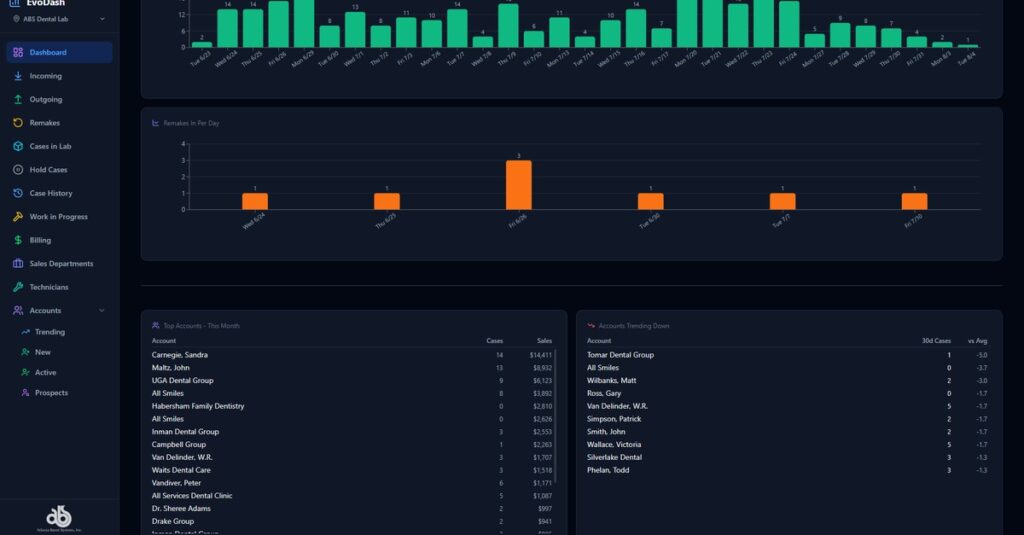
Next to it, a top accounts this month table and an accounts trending down table sit side by side, so a top account quietly slowing down shows up before it turns into a lost account, not after.
Built into the EvoDASH you already use
None of this requires a separate login or a second system to check. It’s the same EvoDASH your team may already be using — the homescreen is just built to surface the numbers that used to require someone stopping mid-morning to go pull them. Cases in and out per day, remakes in per day, and the full KPI set update as production moves. It’s on track to ship in a build by the end of July.
What this means for your lab
If your Monday production meeting currently starts with someone building a report before the meeting can start, or if you’ve ever found out an account was slowing down only after they’d mostly moved on, that’s exactly the gap this release closes. Worth watching for when it ships.
See what’s coming for your lab
Want a preview of what this looks like for a lab your size before it ships? Reach out and we’ll walk you through it.
Learn more about ABS and Evolution
Follow ABS on Facebook, Instagram, LinkedIn, and X. Please contact us directly if you’d like to learn more about Evolution dental lab management software.