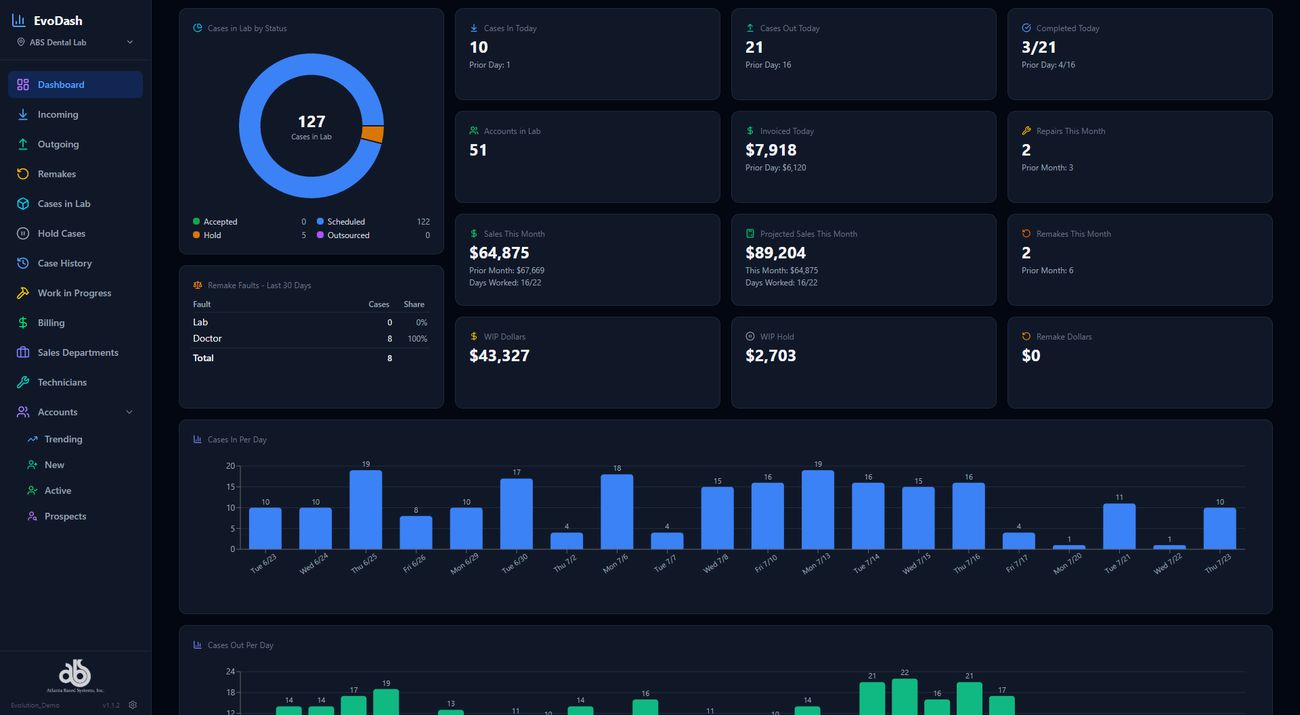
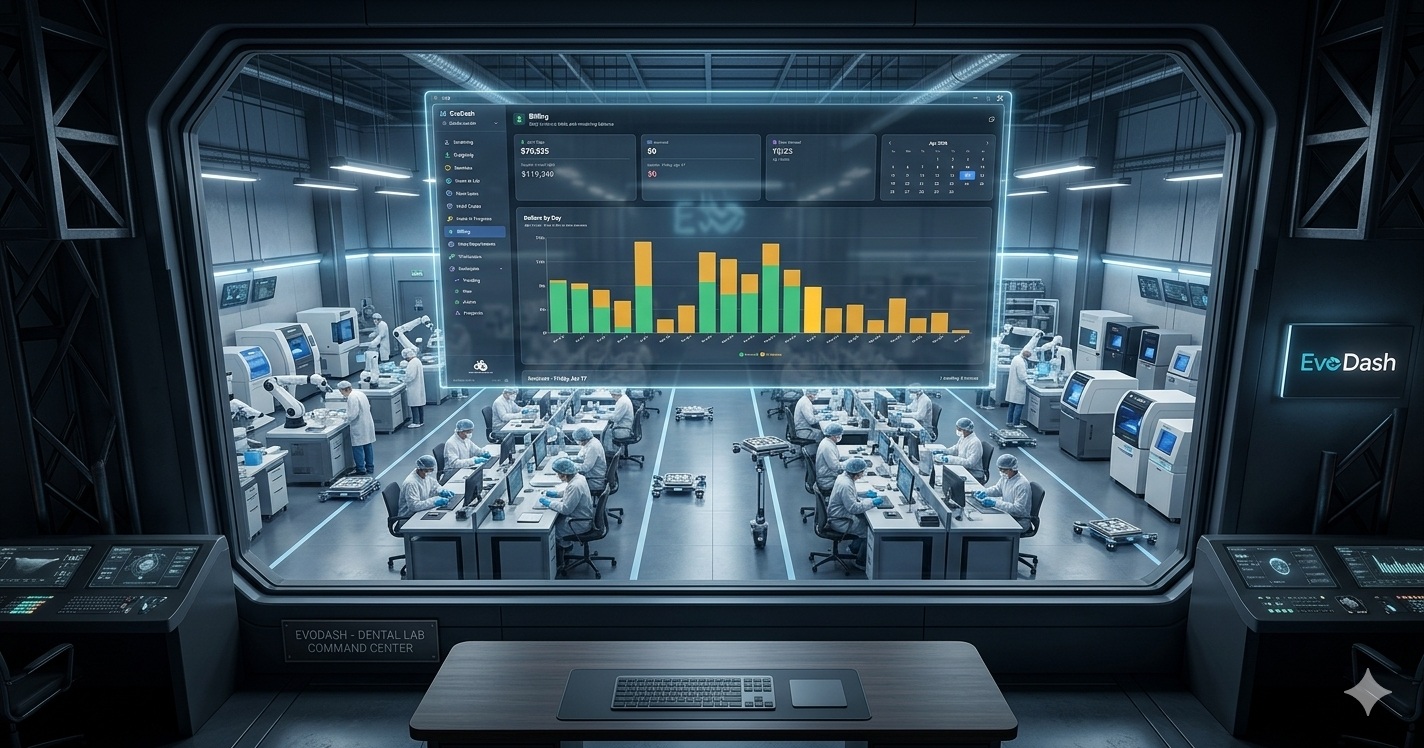
We have been building toward this for a while. Today, we are proud to announce the official launch of EvoDASH, the real-time lab performance dashboard built directly into the Evolution platform. If you have been following along, you know this has been in beta with a select group of labs. The feedback confirmed what we set out to do. Now it is time to introduce it properly.
WATCH THE EVODASH LAUNCH VIDEO TO SEE IT IN ACTION:
WHAT IS EVODASH?
EvoDASH is a visual dashboard layer built on top of Evolution. It pulls data directly from your Evolution database and presents it as a real-time, read-only control tower view for lab owners and managers. No report-running. No digging through data. Just an at-a-glance picture of your lab. Every dashboard is drill-down capable: click a day, a case number, or an account to get full detail from your Evolution data.
THE EVODASH DASHBOARDS:
Incoming Cases: 30-day view of cases received per day. Click any day to see the full case list. Remakes are flagged with an icon and you can drill into individual case numbers for remake reasons, services, scheduling history, and audit trail.
Outgoing Cases: Cases scheduled to ship each day, broken down by new cases, continuations, remakes, and repairs. See your top outgoing accounts and a 30-day summary of case type percentages.
Case Origin: Shows how each incoming case was submitted: iTero web service, EvoDOCTOR portal, or entered locally in Evolution. Helps identify digital adoption trends across your doctor base.
Remakes: Remake cases by day for the current period. The 30-day summary ranks remake reasons by frequency and flags the top accounts generating remake cases.
Cases in Lab: Live list of every case currently in-house, searchable and filterable by account name, case number, or patient name for fast lookup without leaving the dashboard.
Hold Cases: All cases currently on hold with hold reasons displayed. Helps managers quickly identify and clear bottlenecks.
Case History: Case volume going back through your entire Evolution history. Click into any year to see weekly and monthly volume trends over time.
Work in Progress: All active cases organized by doctor account with a dollar value displayed for each. Gives owners a financial snapshot of what is currently on the bench.
Billing: Daily billing view for any period. Green indicators show invoiced cases; outstanding cases are flagged as needing invoicing. Click any day to see exactly which cases still need to be billed.
Sales by Department: Monthly revenue breakdown by lab department (Crown & Bridge, Ortho, etc.). Drill down to see which doctor accounts sent work in each category.
Accounts: Account trending comparing the last 30 days against the prior 90-day baseline. Accounts trend green (up) or orange (down). Filter to view only downtrending accounts, lost accounts, new accounts, or all active accounts.
Technician Productivity: Real-time view of which technicians are clocked in and what cases they currently have checked out. Drill into any technician to see a daily step breakdown, completed case counts, and case-level detail for any date.
WHERE IT MAKES THE BIGGEST DIFFERENCE:
In our conversations with labs during the beta period, two areas benefited most from dashboard visibility: AR and production flow.
On the AR side, labs that review billing daily catch issues earlier. A 45-day balance is a different conversation than a 90-day balance. When the billing view is one screen away instead of buried in a report queue, the calls happen sooner.
On the production side, technician productivity tracking by case type reveals patterns that are invisible in a busy shop. Bottlenecks are easier to see when the data is laid out visually rather than summarized in a weekly export.
One insight that came up repeatedly in beta: tracking cases alone does not give you the full revenue picture. One case can contain a single unit or twenty, and the daily value swings accordingly. EvoDASH tracks both cases and units side by side so you are reading actual production volume, not just case count.
CATCHING THE PROBLEM BEFORE YOU KNOW THERE IS ONE:
When a doctor account goes quiet, how quickly do you find out?
For most labs, the answer is: not quickly enough. A doctor who stops sending cases for two weeks might not appear on anyone’s radar until a monthly statement runs or an AR balance drops far enough to raise a flag. By then, the conversation is harder. The relationship may have already shifted.
EvoDASH’s Accounts dashboard gives lab managers the visibility to spot a declining account while there is still time to act. When daily case volume by account is visible on the dashboard, a two-week gap is noticeable. That is the difference between a proactive call that saves an account and a reactive one that tries to recover it.
Beta lab feedback on this specific point: labs rated the early-warning potential of EvoDASH at 5 out of 5 for daily decision-making impact.
WHAT BETA LABS ARE SAYING:
“I would use this every day.” The response we heard most was that EvoDASH fits naturally into the start-of-day routine. Lab managers described checking cases, units, and revenue figures at the end of each day to close out the shift with a clear picture of where production landed.
“10 out of 10. I would keep using this after beta.” One beta participant rated EvoDASH a 10 out of 10 for ongoing usefulness after their trial period. Another gave it a 5 out of 5 for impact on daily decision-making.
Interface feedback was consistently positive. Beta labs described the dashboard as user-friendly with a clean layout that met their expectations without a steep learning curve.
NOW AVAILABLE – SCHEDULE YOUR DEMO:
EvoDASH is available now for Evolution labs. If you want to see it in action, we are scheduling demos this week. Reach out to Adam Thomas at Atlanta Based Systems to get on the calendar.
(800) 476-2097 ext. 231 | adam@atlantabasedsystems.com
LEARN MORE ABOUT ABS AND EVOLUTION
Follow ABS on FaceBook, Instagram, LinkedIn, and X. Please contact us directly if you’d like to learn more about Evolution dental lab management software.